How to Upgrade GTA 6 Standard to Ultimate
Sourced details, clear unknowns, and connected tools.
By GTALedger Editorial · Sources reviewed
Standard owners can purchase the Ultimate add-on through PlayStation or Microsoft. Boxed-code owners must redeem their game code first.
Official source ↗Before you buy the upgrade
- Confirm which account owns your Standard purchase.
- If you bought a box, redeem its game code first.
- Open your platform’s store and look for the Ultimate Edition Upgrade add-on.
- Check the price, platform and base-game requirement before confirming. Avoid buying a second full game by mistake.
Rockstar: editions, upgrades and code regions ↗
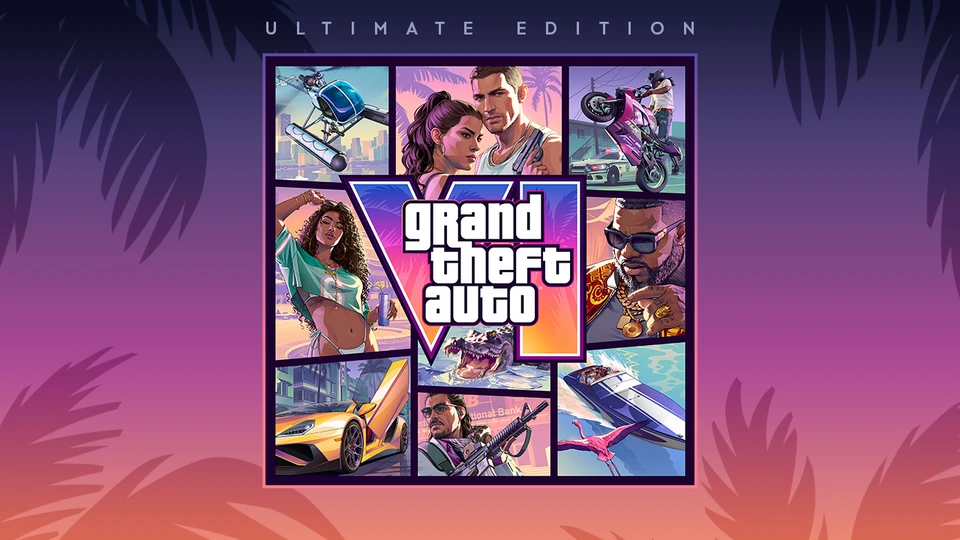
Official Ultimate Edition artwork from Rockstar Store.
Official source © Rockstar Games · Original image ↗Does upgrading later cost the same?
We have not verified a separate upgrade price here. A difference between two full-edition prices does not prove what the add-on will cost. Compare your actual checkout totals, including any regional taxes.
What should I compare before upgrading?
Rockstar lists the Ganado Retro Build, Squalo and Rideout Customs in the Ultimate collection. Check its complete list rather than buying for a single screenshot.
Rockstar Store: edition and pack offers ↗
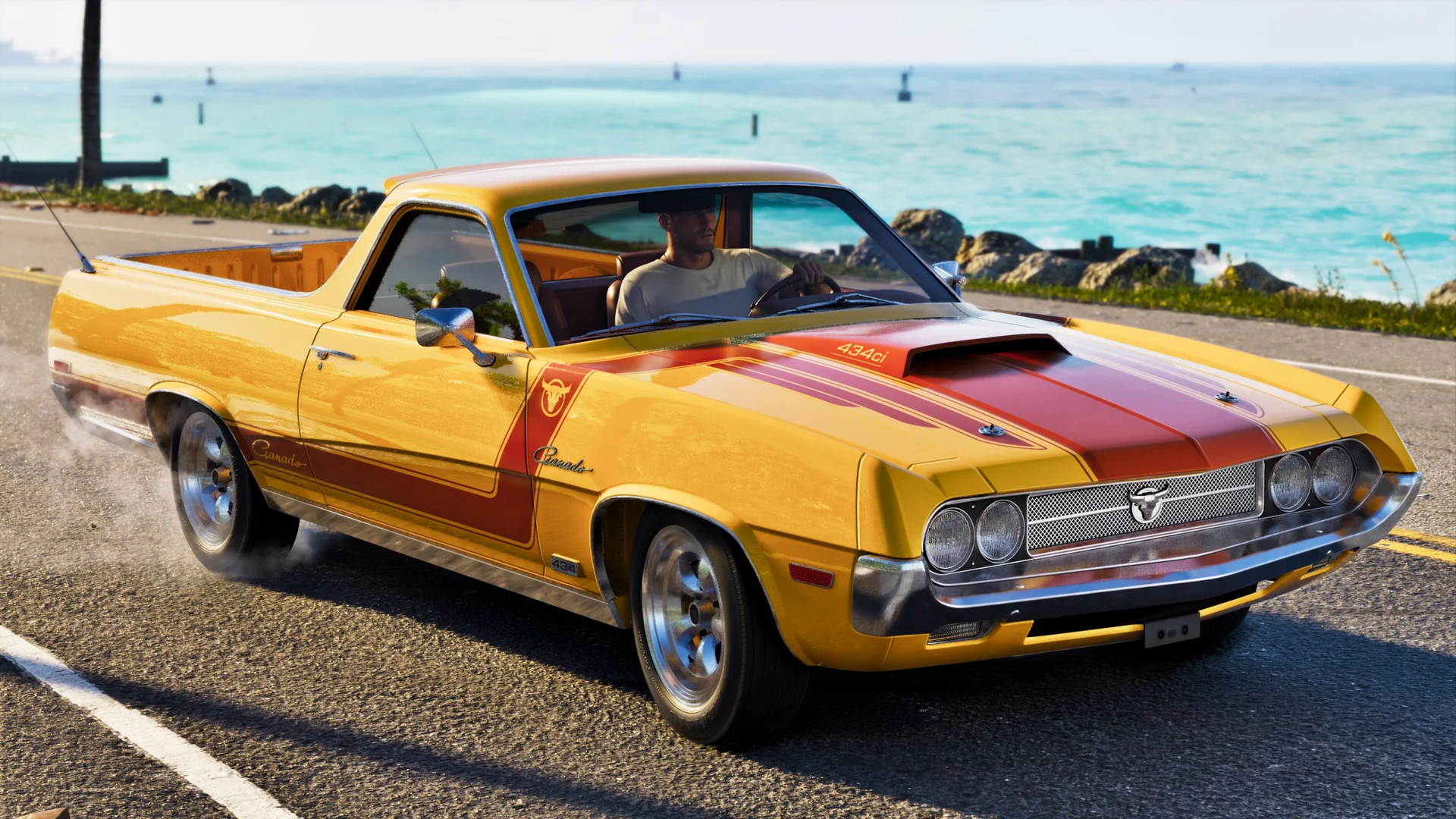
A yellow-and-red Ganado Retro Build drives along a coastal road.
Official source © Rockstar Games. Grand Theft Auto VI official screenshot. · Original image ↗
A Shitzu Squalo speedboat passes the illuminated Vice City skyline at dusk.
Official source © Rockstar Games. Grand Theft Auto VI official screenshot. · Original image ↗What if the add-on is not showing?
Our troubleshooting checklist: confirm the account, platform, redeemed base game and the exact product name. Keep your receipt. Ask the storefront to check the entitlement before purchasing again.
Sources and purchase support
Check the current terms on the linked official pages before completing a purchase. Our checklists are practical guidance; the seller confirms your order and eligibility.
GTA 6 buying guides
GTA 6 Vintage Vice City Pack: Bonuses & Eligibility
Understand the GTA 6 Vintage Vice City Pack, the ’55 Stanier offer, qualifying editions and what to check before ordering.
Read the guide →GTA 6 Physical vs Digital: Discs, Codes & Preload
Compare GTA 6 digital purchases and physical code-in-box copies, including disc-drive needs, delivery, preload and redemption.
Read the guide →How to Redeem the GTA 6 Preorder GTA+ Offer
Claim the GTA 6 preorder GTA+ month on PlayStation or Xbox. Compare deadlines, existing-member rules and missing-offer checks.
Read the guide →GTA 6 Code Regions: PlayStation vs Xbox Compatibility
Check GTA 6 code compatibility before buying abroad, including US and UK PlayStation accounts, Xbox rules and official regional guidance.
Read the guide →Did this answer your question?
Help us find the gaps. Please keep personal information out of your feedback.
Found incorrect information?
Submit a correction with a source or evidence for an editor to review.